Hand-coding signature HTML is a table-nesting nightmare. Generate clean, valid code instead.
Email HTML is its own dialect — inline styles, nested tables, no <div> layout, no external CSS. Sigquill is a generator that outputs spec-correct, paste-ready signature markup you can read, audit, and drop straight into any client.
No account · No inbox access · Yours to keep
Hi Marcus,
Attached is the revised timeline — Thursday still works on my end.
Best regards,
Use Sigquill to send your email with professional touch
Your signature is the last thing people see in every email you send. When it looks messy — or shows up broken in someone’s inbox — it quietly chips away at how polished and trustworthy you seem. Sigquill makes sure it always looks its best.
Hi Marcus,
Thanks for the call earlier. I’ve attached the revised timeline — let me know if Thursday still works for the review.
Best regards,
Hi Marcus,
Thanks for the call earlier. I’ve attached the revised timeline — let me know if Thursday still works for the review.
Best regards,
Outlook renderers, all verified
broken layouts shipped
profession-tuned templates
minutes to a finished signature
Compatible everywhere. Still unmistakably yours.
Valid, inlined, no surprises
Every style is inlined, every table closed, every attribute quoted. The output passes email-HTML linters and renders identically across clients.
Readable source, not minified slop
Indented, commented, and structured so you can diff it, version it, or hand-edit it. Your HTML is yours — copy it, host the images yourself, fork it.
No tracking pixels, ever
We don’t inject open-tracking beacons or phone-home image requests. The code you export is exactly the code you read. That’s the whole privacy story.
Start from a clean scaffold
Six structurally-sound starting points. Each exports the same disciplined nested-table HTML — pick the layout, the code follows.
Lawyer
01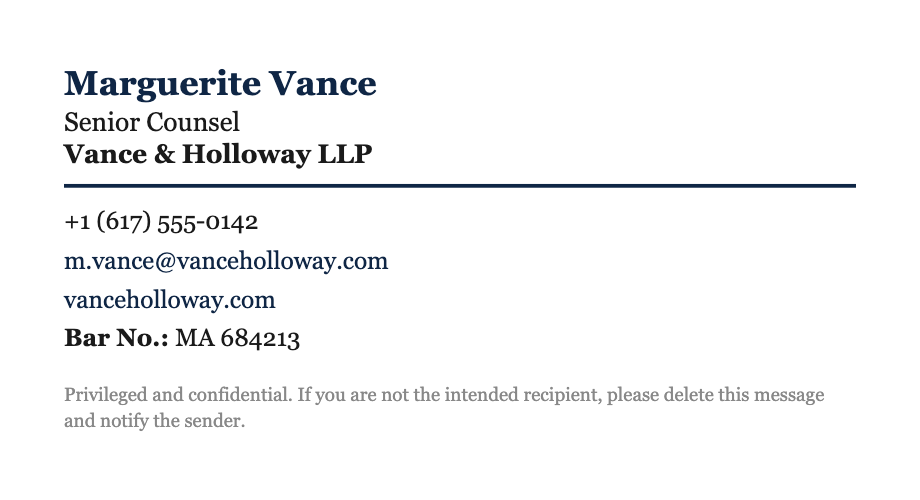
Architect
02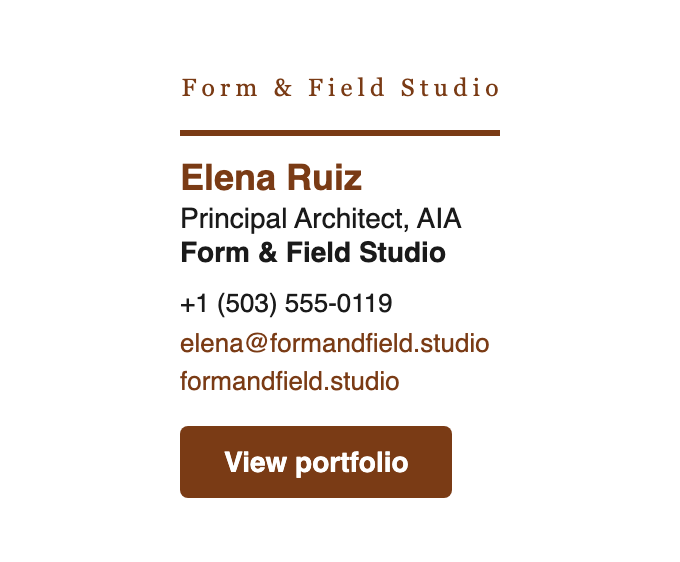
Developer
03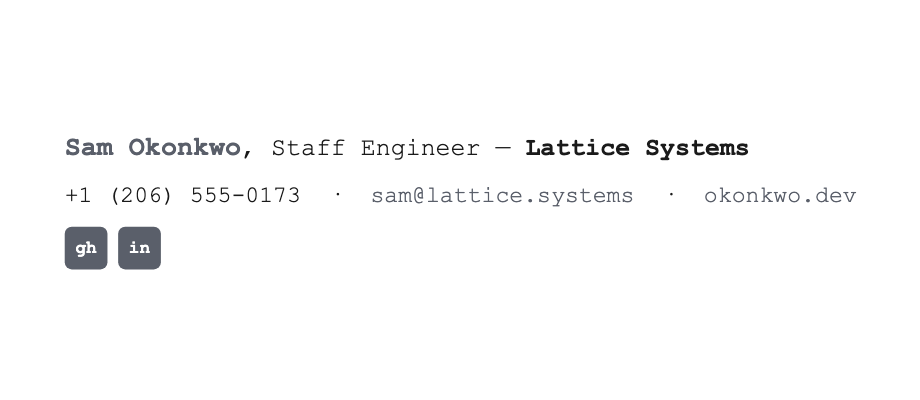
Consultant
04
Physician
05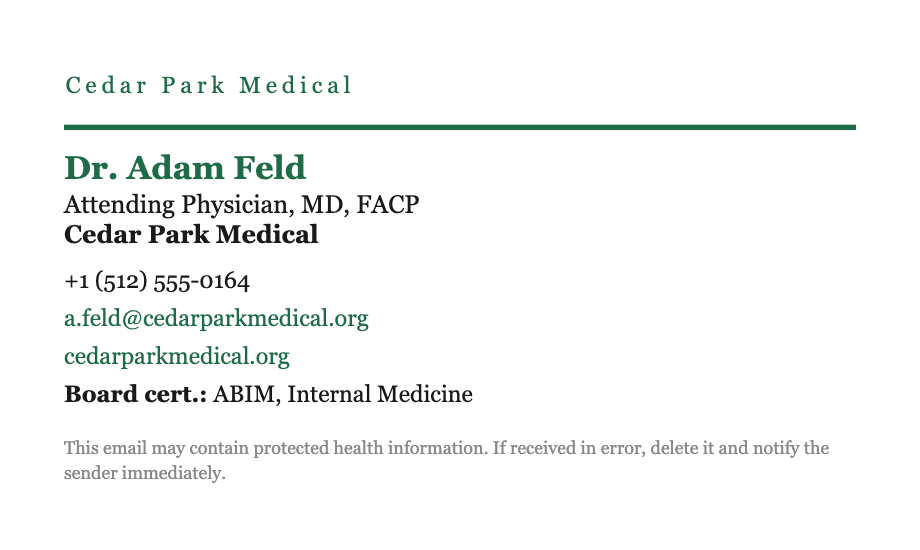
Realtor
06
Signatures built with Sigquill.
Each one generated from a template, then rendered exactly as it arrives in someone’s inbox.
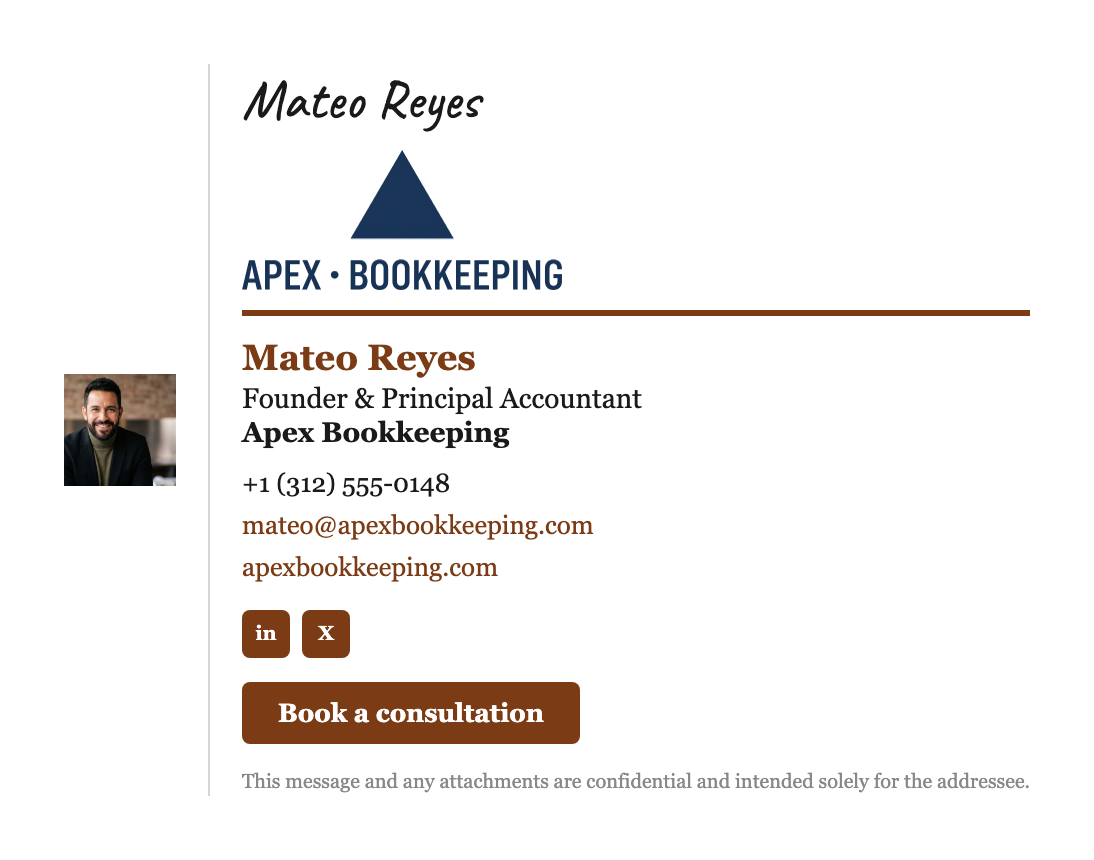




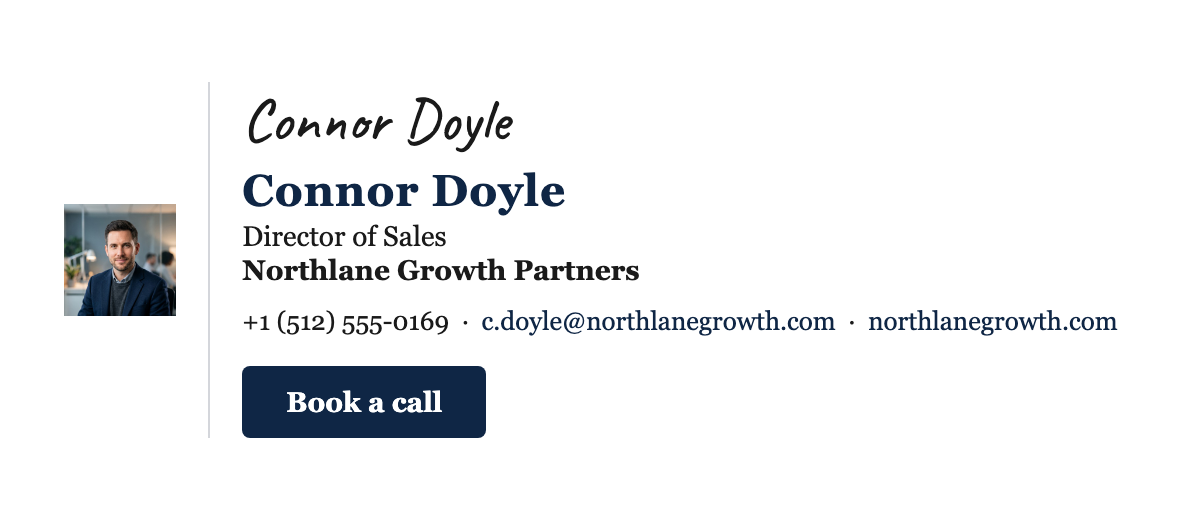
Renders identically, everywhere
The output is verified byte-for-byte across every major client. No “works in Gmail, breaks in Outlook” surprises — the markup is built to the lowest common denominator on purpose.
 Gmail
Gmail Outlook
 Apple Mail
 Yahoo Mail
 Proton Mail
 Zoho Mail
Everything, included.
Every template and layout, plus the paste-ready source HTML — yours to keep, edit, and reuse wherever you send email.
Verified by hand, not by hope. Every template is checked against all five Outlook renderers — Classic, New, Mac, Web, and Mobile — plus Gmail and Apple Mail, before it ships.
All templates, every profession
Paste-ready HTML, yours to keep
Verified in every email client — even Outlook
Access and edit your signature whenever you want
Questions, answered.
Do I need an account?
No. Open the builder, pick a template, and edit your details without signing up — nothing to create, nothing to remember.
What do I actually get?
A finished signature and its paste-ready source HTML — yours to keep, edit, and reuse in any email client, plus updates as those clients change.
Will it actually work in my Outlook?
Yes. Every template is verified by hand against Classic, New, Mac, Web, and Mobile Outlook before it ships — the five renderers that break signatures built anywhere else.
Does Sigquill read my email?
Never. Sigquill has no inbox access, embeds no tracking pixels, and asks for no passwords. You copy the finished HTML into your own client yourself.
What if something looks off after I paste it?
Check the known-issues page for the common gotchas and their fixes, or email support@sigquill.com — we reply as soon as we can and will help you get it rendering correctly.
Still stuck? Contact support — replies as soon as we can — or read the known issues.